
1. Procedure Title
Name of the Process: HTAG Insertion using HTML
2. Purpose
Brief Description: Establish a standardized process for inserting inline HTAGS using HTML code part of SEO optimization of websites to ensure improvement in search ranking
3. Scope
Involved Areas: Web Development, Page Optimization
4. Responsibilities
Roles and Responsibilities:
- Webdev – Content Implementation
5. Definitions and Key Terms
Glossary:
Keyword – SEO keywords (also known as “keywords” or “keyphrases”) are terms added to online content in order to improve search engine rankings for those terms. Most keywords are discovered during the keyword research process and are chosen based on a combination of search volume, competition and commercial intent.
HTAGS / Heading Tags – The <h1> to <h6> tags are used to define HTML headings. <h1> defines the most important heading. <h6> defines the least important heading. Note: Only use one <h1> per page – this should represent the main heading/subject for the whole page.
Pages / Webpage – A web page (or webpage) is a document on the Web that is accessed in a web browser.[1] A website typically consists of many web pages linked together under a common domain name. The term “web page” is thus a metaphor of paper pages bound together into a book.
HTML – HTML markup tags specify document elements such as headings, paragraphs, and tables. They mark up a document for display by a computer program known as a Web browser. The browser interprets the tags, displaying the headings, paragraphs, and tables in a layout that is adapted to the screen size and fonts available to it.
CSS – CSS is the acronym of “Cascading Style Sheets”. CSS is a computer language for laying out and structuring web pages (HTML or XML). This language contains coding elements and is composed of these “cascading style sheets” which are equally called CSS files (. css).
Inline – Display the element within the same line as other elements with the same font style
6. Procedure Details
6.1. Preparation and Prerequisites
- Content Document from Content Team with the HTAGS added on the content
6.2 Timeline for Task Completion
- 20 Minutes – 1 Hour per page depending on the page size and content size
- One time application
6.3. Step-by-Step Procedure
HTAG Insertion – HTML
Creation Date: April 8, 2024
Created By: JM Gregorio
View most recent version on Tango.us
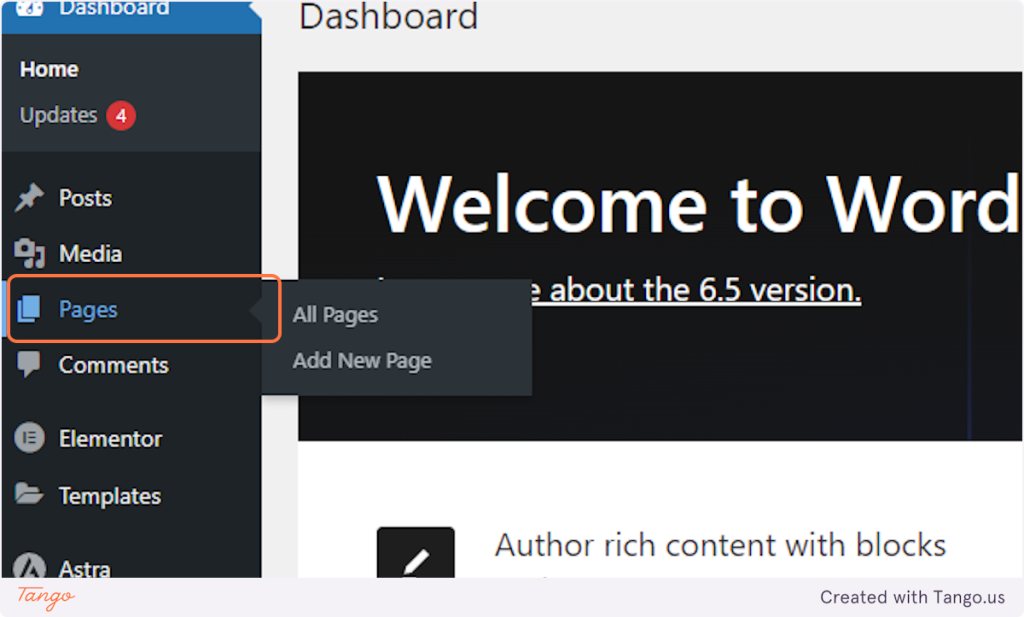
1. Click on Main menu -> Pages
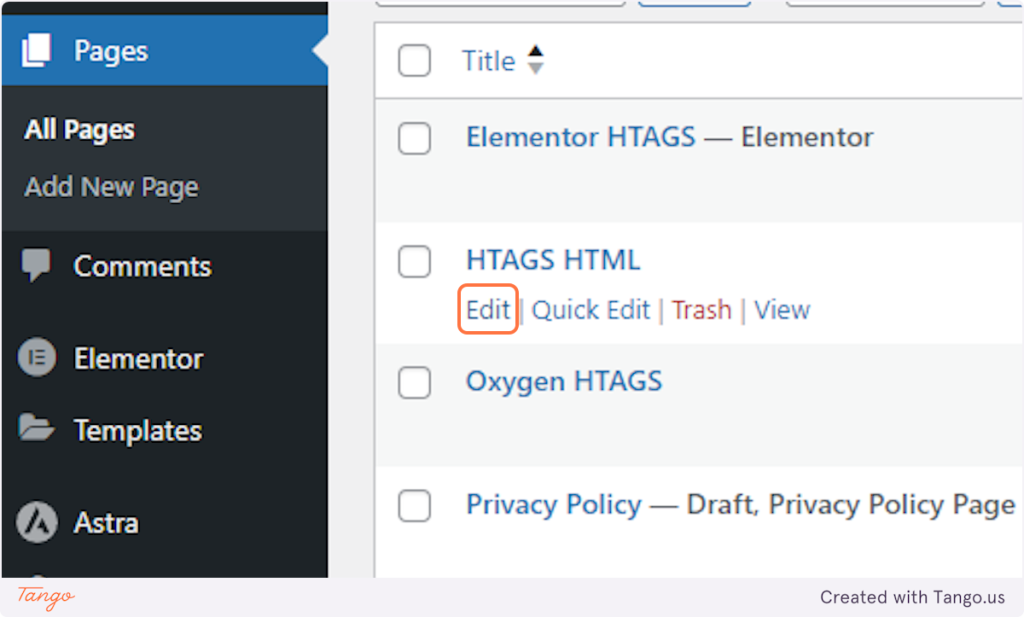
2. Click on Edit on your HTML page
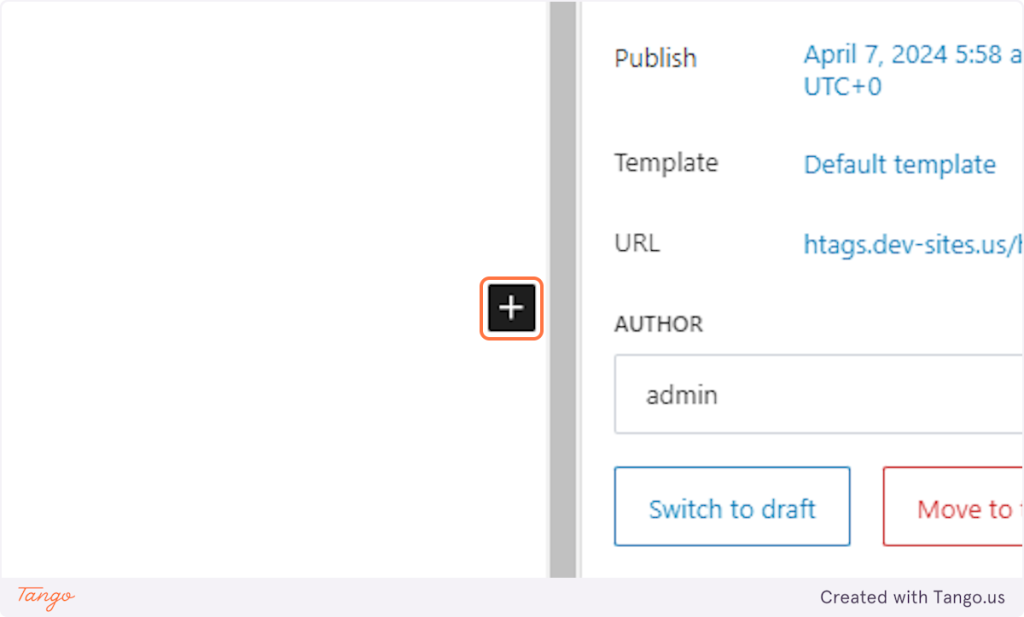
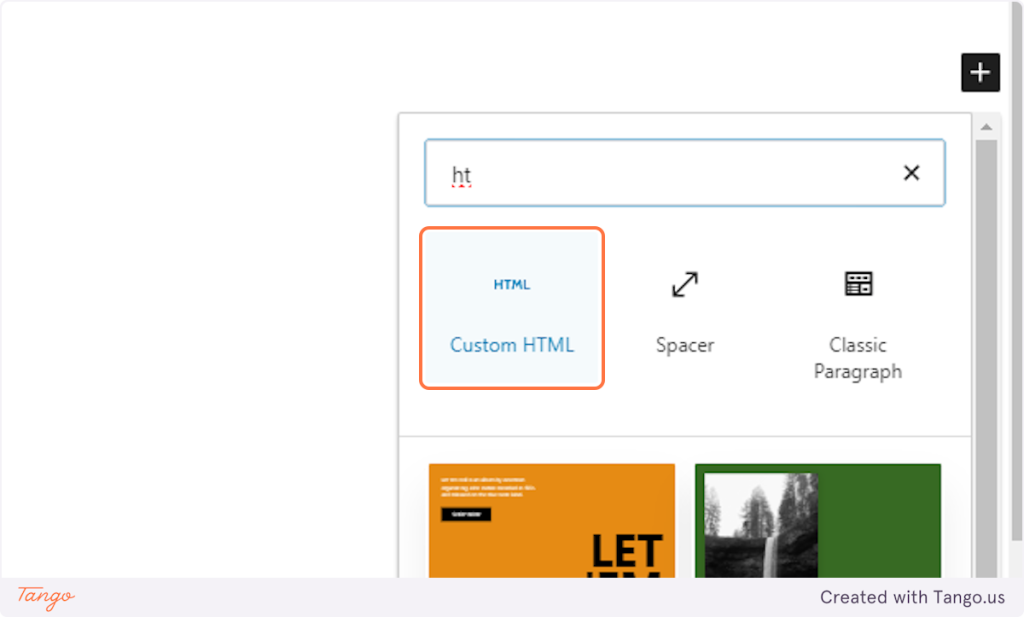
3. Click on + icon Add block
4. Type “html”
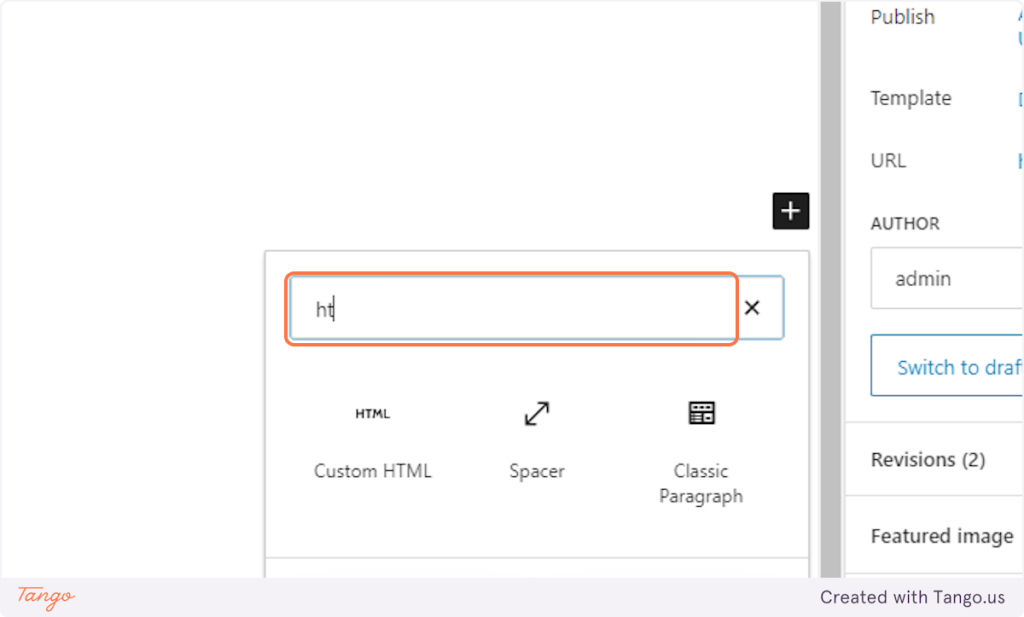
5. Click on Custom HTML
6. Create Your HTML Htag structure and add class (has-htag) on parent div
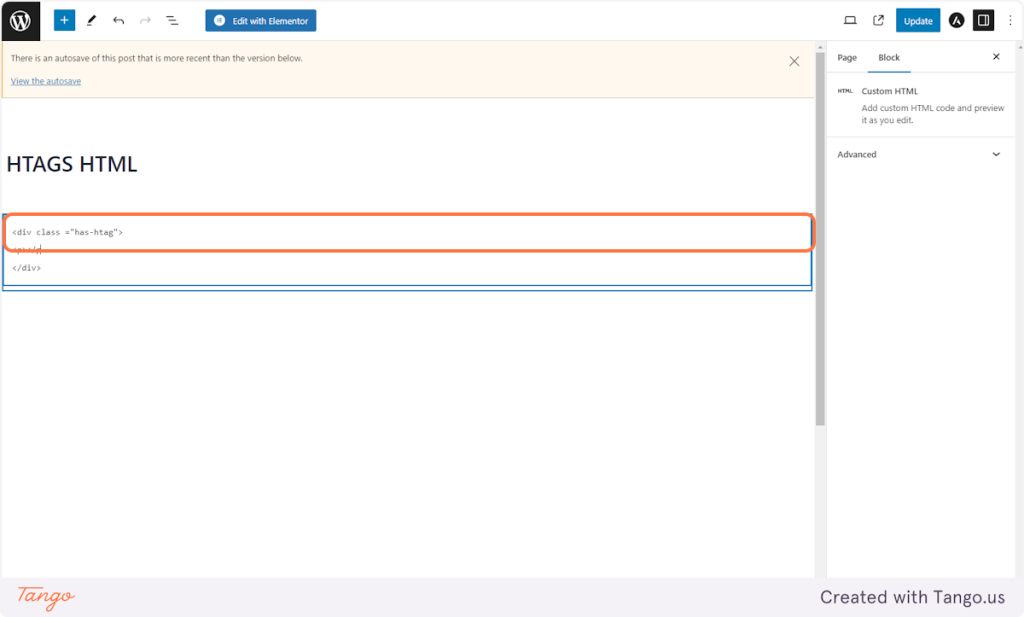
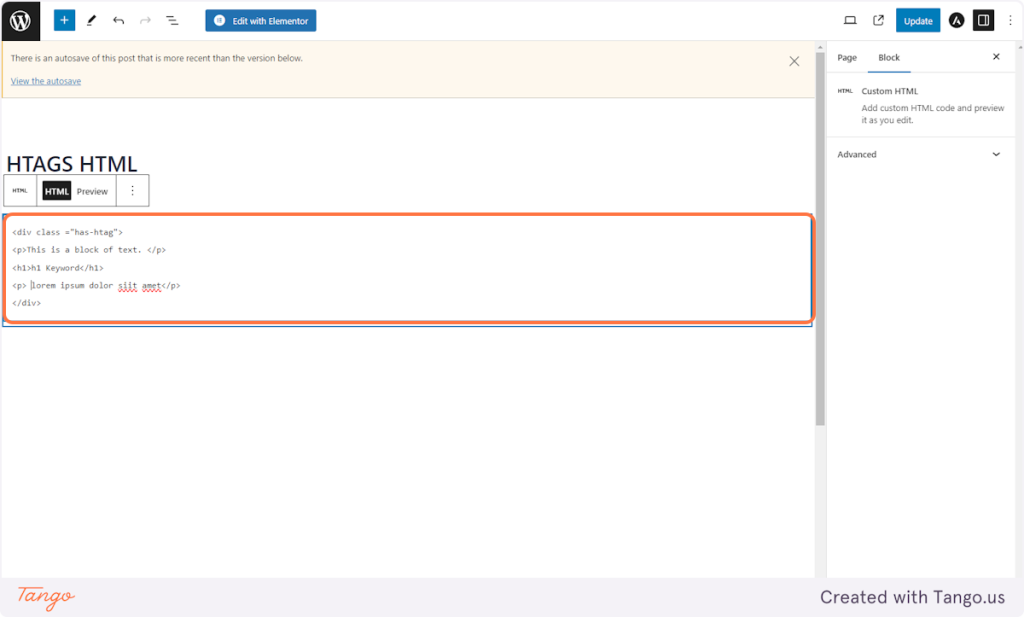
7. Create HTAG HTML Structure
In this example we created h1-h4
<div class =”has-htag”>
<p>This is a block of text. </p>
<h1>h1 Keyword</h1>
<p> lorem ipsum dolor siit amet</p>
</div>
<div class =”has-htag”>
<p>This is a block of text. </p>
<h2>h2 Keyword</h2>
<p> lorem ipsum dolor siit amet</p>
</div>
<div class =”has-htag”>
<p>This is a block of text. </p>
<h3>h3 Keyword</h3>
<p> lorem ipsum dolor siit amet</p>
</div>
<div class =”has-htag”>
<p>This is a block of text. </p>
<h4>h4 Keyword</h4>
<p> lorem ipsum dolor siit amet</p>
</div>
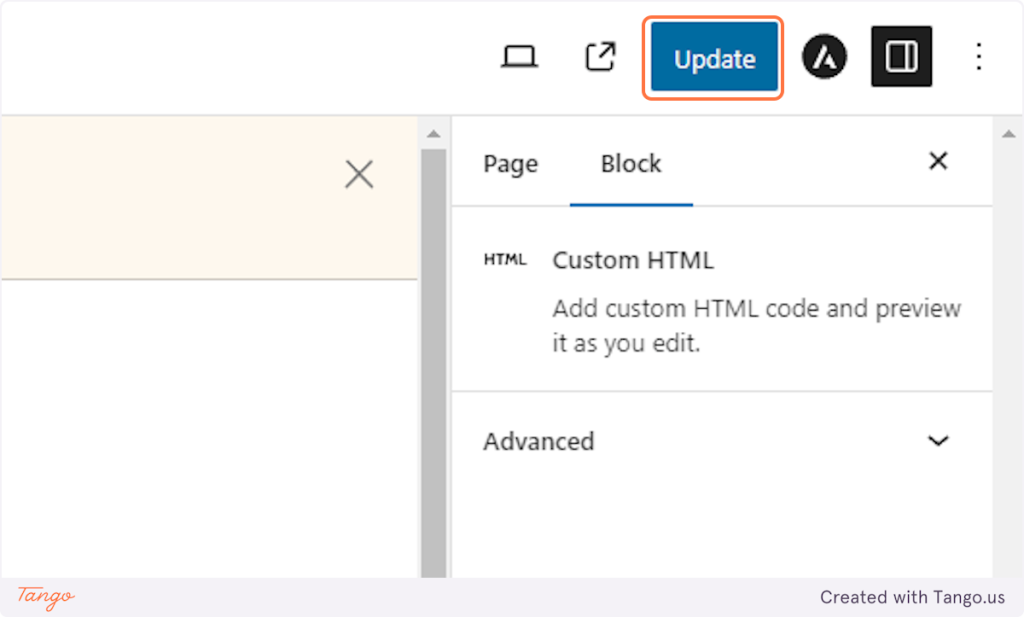
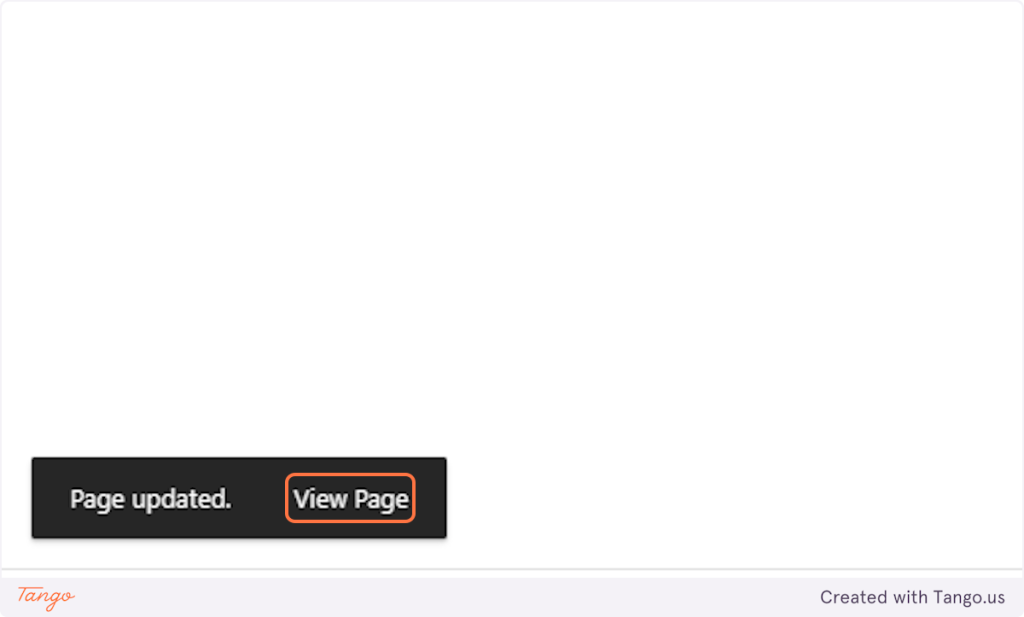
8. Click on Update
9. Click on View Page
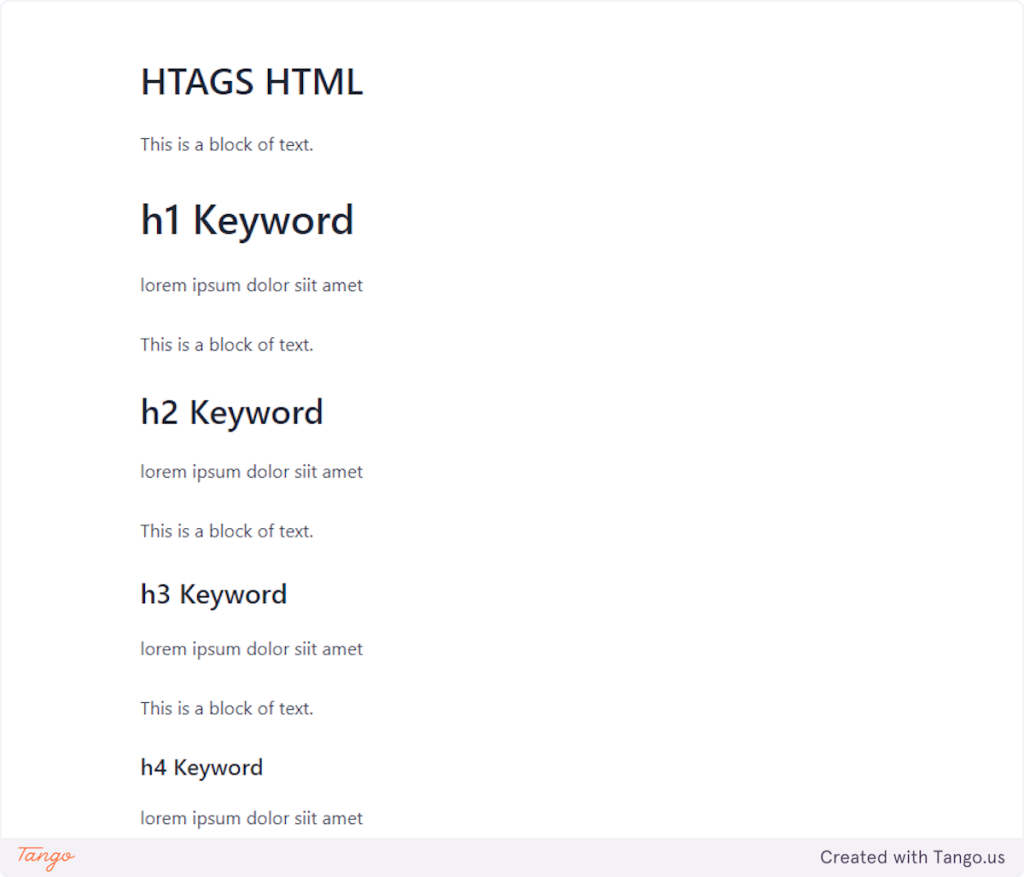
10. Raw Output of HTAG HTML
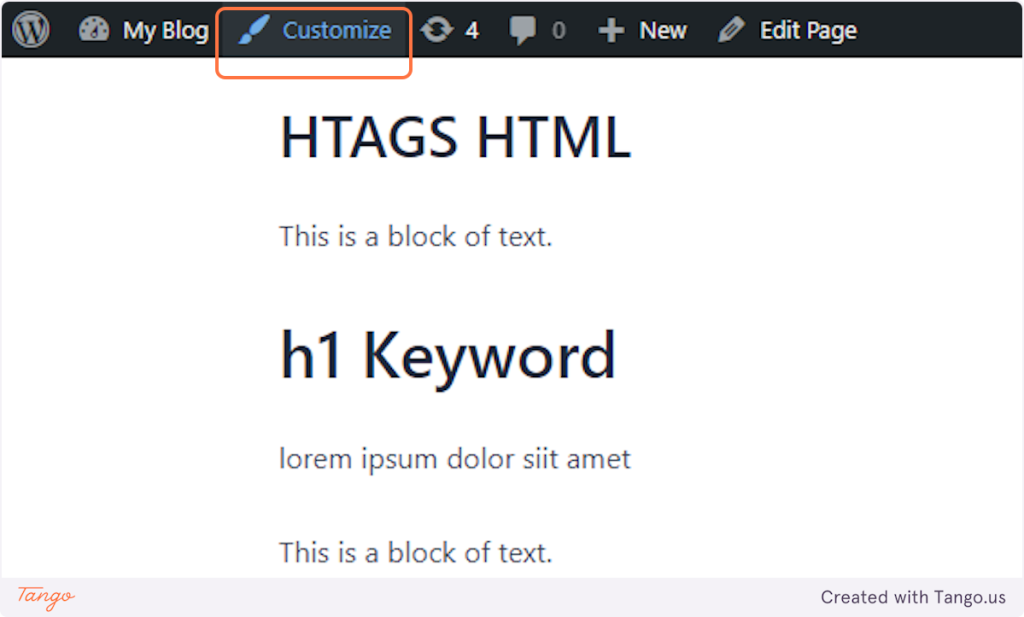
11. To update the style – click on Customize
12. Click on Additional CSS…
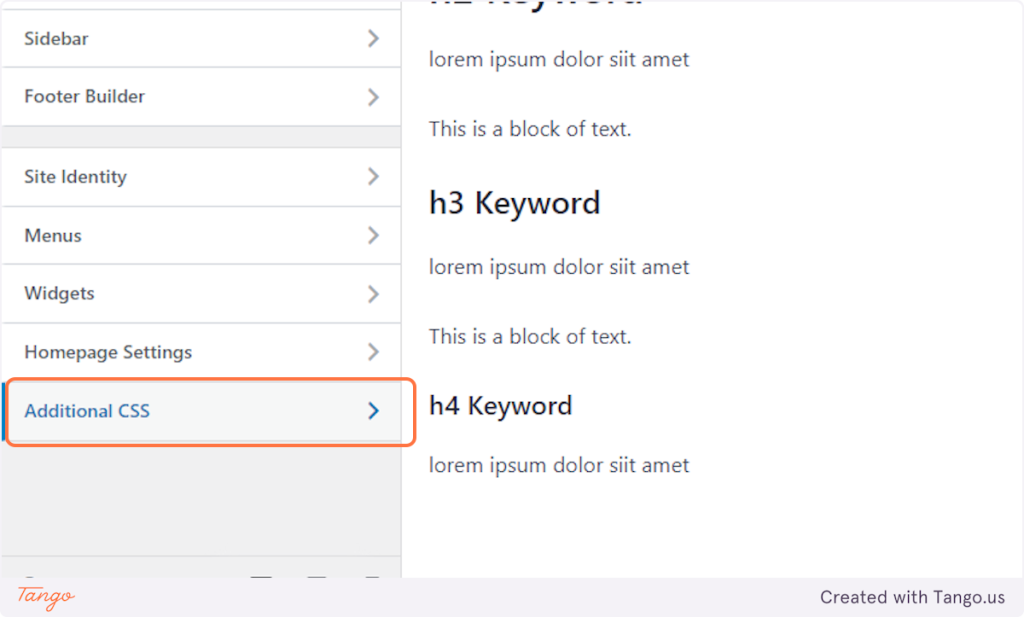
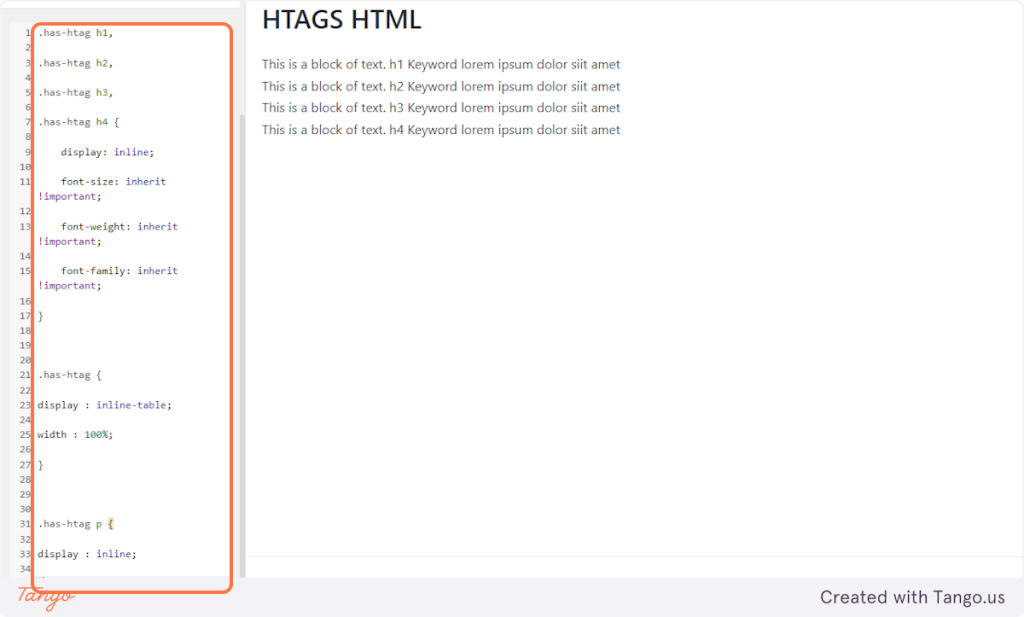
13. Paste the CSS code
.has-htag h1,
.has-htag h2,
.has-htag h3,
.has-htag h4 {
display: inline;
font-size: inherit !important;
font-weight: inherit !important;
font-family: inherit !important;
}
.has-htag {
display : inline-table;
width : 100%;
}
.has-htag p {
display : inline;
}
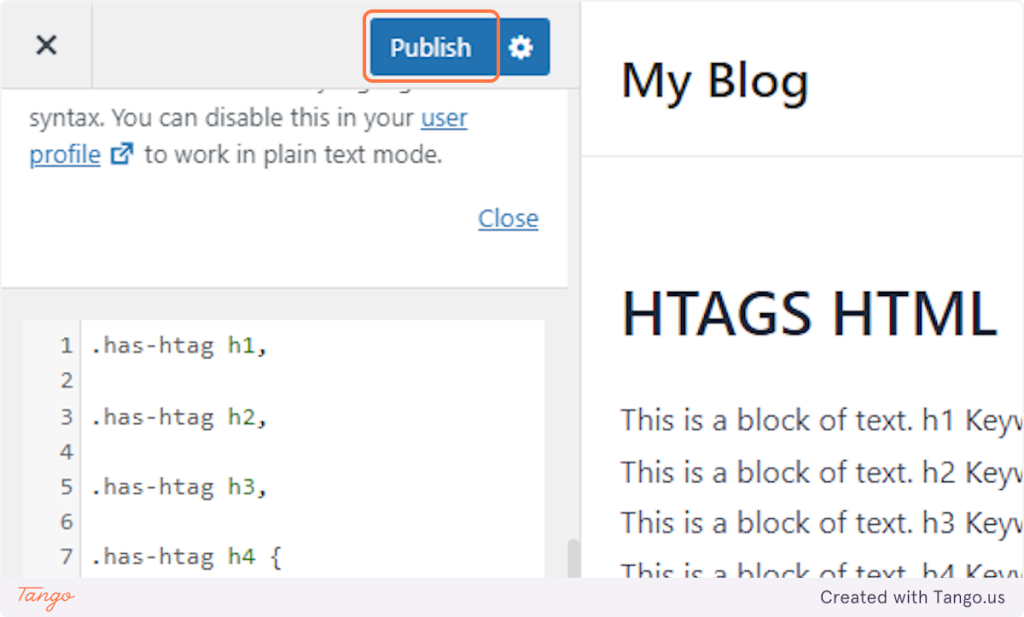
14. Click on Publish
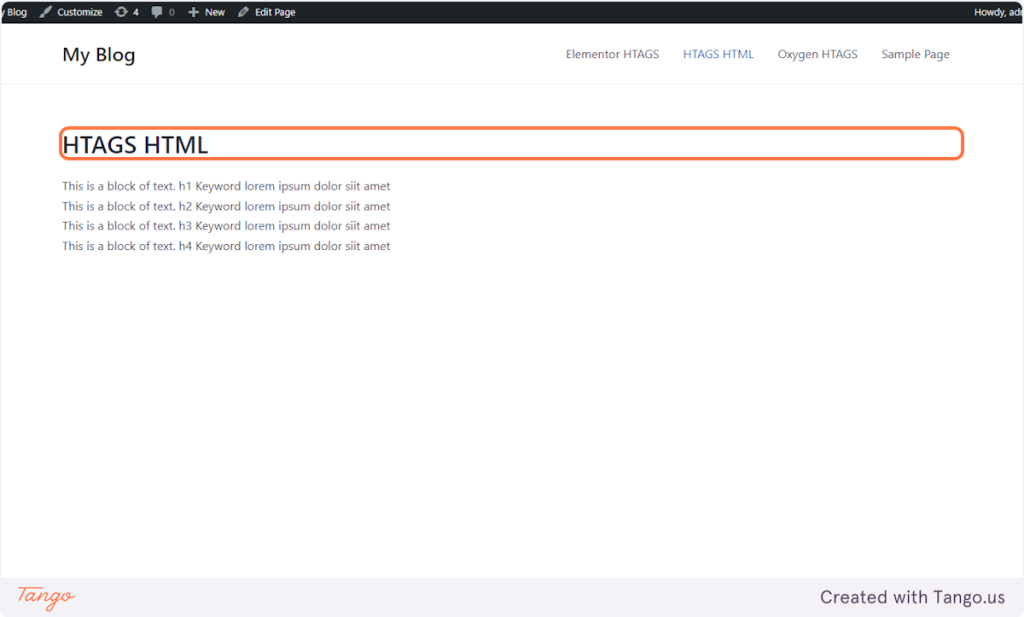
15. After applying the CSS the style should be like this.
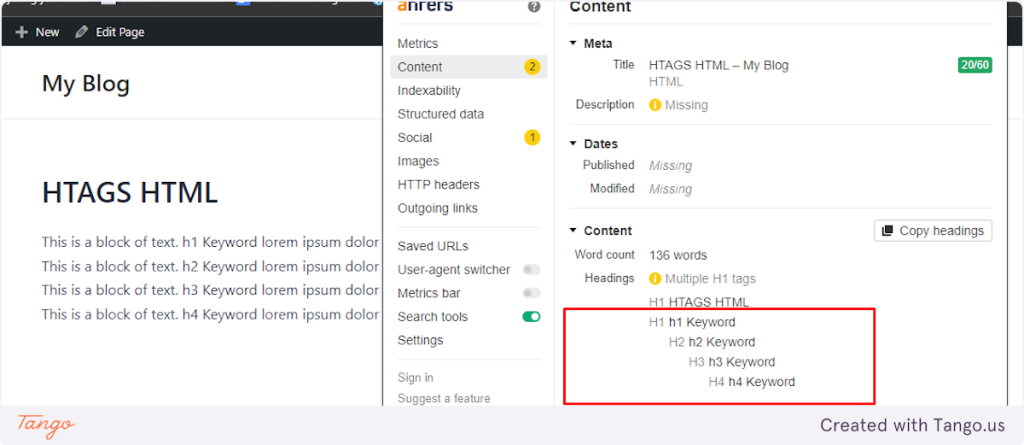
16. HTAG Structure
Created with Tango.us
6.4. Tools and Resources
- WordPress
7. Quality Control and Evaluation Metrics
SEO Performance:
- Keyword Ranking:
- Metric: Keywords in top 10 search results.
- Tool: Google Analytics, Ahrefs.
- Organic Traffic:
- Metric: Monthly visits.
- Tool: Google Analytics.
Engagement Metrics:
-
- Page Views:
- Metric: Views per post.
- Tool: Google Analytics.
- Time on Page:
- Metric: Average duration.
- Tool: Google Analytics.
- Bounce Rate:
- Metric: Percentage of single-page visits.
- Tool: Google Analytics.
- Page Views:
- CTA
- Metric: Number of Call to Action Leads
-
-
- Tool: Callrail
-
- Form Fills
- Metric: Number of website form fills
-
- Tools: Gravity Forms
8. Exception and Problem Handling
- Double check to prevent Missing spacing on or before the HTAG keyword
- Make sure to add class and CSS for the inline HTAGS
- Always Clear Cache litespeed and Cloudflare before checking
- Every Plugin updates should check pages make sure nothing breaks
9. Documentation and Record Keeping
Documentation Requirements: Client Google Drive then content Folder
10. Procedure Review and Update
Review Frequency: Every 3 Months for new edits and revisions